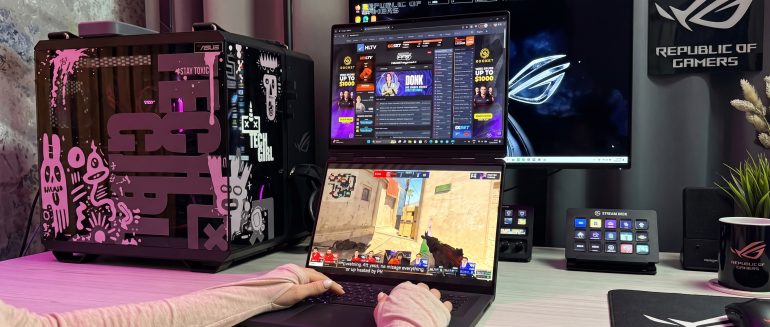
If you caught my recent TikTok unboxing video, you already know the truth: I did not do a rehearsed, polished, fancy studio reveal.
Instead you got me, real-time, figuring out this double-screened beast of a laptop as I took it out of the box. Based on the comments many of you were as confused (and excited) as I was when things started morphing into a dual screen laptop designed to give you the same feel as your double monitor set up at home but on the go. Here’s the full journey, from my chaotic first impression to why the different setup modes might easily ruin single-screen laptops for me. But first, get up to speed with the TikTok unboxing:
@techgirlza A laptop with 2 screens? Say less. Thanks @ROGZA ♬ original sound – Sam “Tech Girl” Wright
Real-Time First Impressions
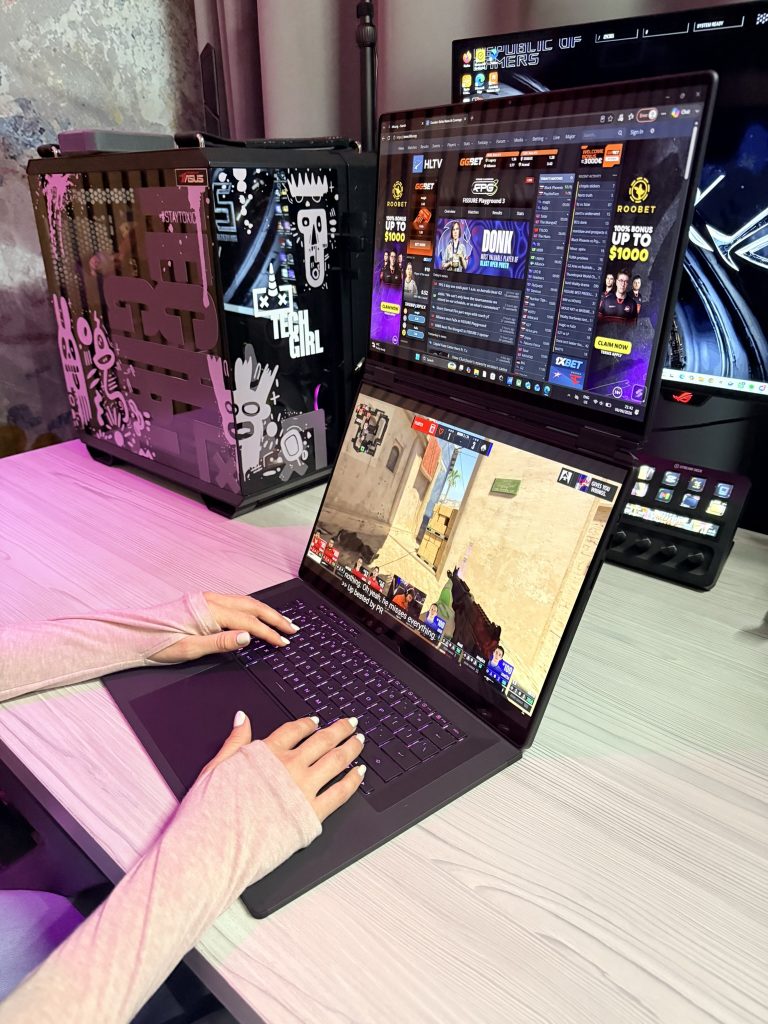
When you pull the ASUS Zephyrus Duo out of its packaging, your brain doesn’t immediately register it as a “normal” laptop. Why? Because you are staring at two full 16-inch 3K OLED touchscreens stacked together, with a detachable Bluetooth keyboard magnetic sandwich sitting on top. As I mentioned on TikTok, my immediate thoughts were:
“This is heavy?”
Look, it’s a full gaming rig disguised as a dual-screen setup. It’s got some weight to it, but considering you’re carrying two OLED displays and serious computing power, it’s surprisingly sleek.
“How does the keyboard actually attach?”
It’s bluetooth. It doesnt need to.
“Why didn’t anyone tell me both screens are touch-enabled?”
Dragging windows across two vertical screens feels like you’re operating tech from a movie set.
The Real Selling Point: All The Versatile Modes
Unboxing it was fun, but living with it? That’s where the magic happens. Over on Instagram Reel, I walked through the different modes you can operate this laptop in. This versatility is what actually justifies the hype:
View this post on Instagram
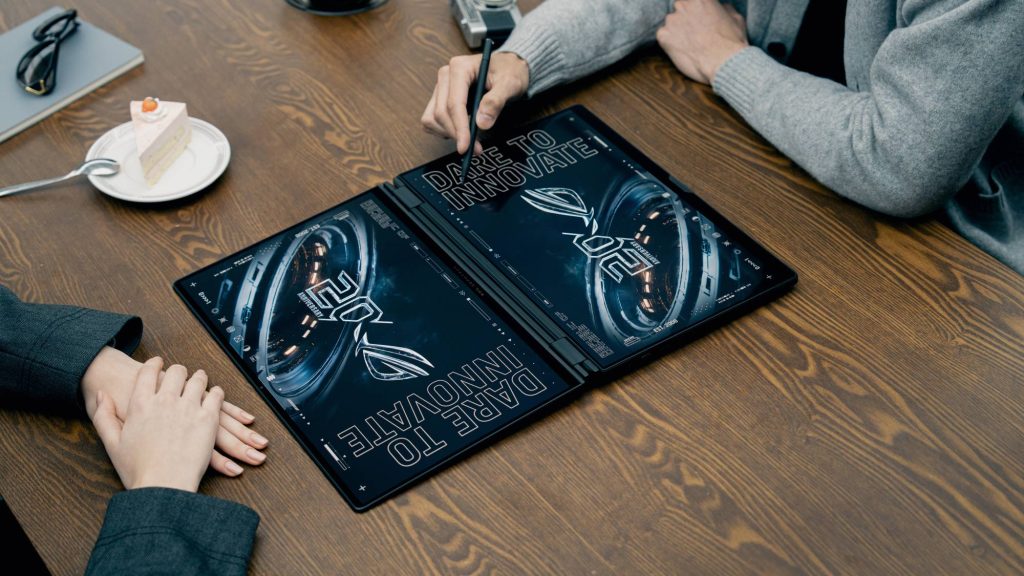
To recap: you’ve got Standard laptop mode, where you simply snap the physical keyboard directly over the bottom screen and the Duo now looks and feels like a classic high-end gaming laptop. This is perfect for when you’re working on a small coffee shop table or typing on your lap. The Dual Screen Mode allows you to pop out the built-in kickstand on the back, pop off the magentic keyboard and set it on your desk. Now you have two full 16″ screens stacked right on top of each other. I love this because it allows you to game or edit video on the top screen while keeping Discord, Spotify or your research tabs open on the bottom. Book Mode allows you to turn the laptop 90 degrees on its side so the screens sit next to each other vertically like an open book. If you read long articles, write code or review documents side-by-side, this mode is elite. Finally you have tent and sharing mode. Flip the hinge around or lay it completely flat to share your screen with someone sitting across from you. If you’re showing off a portfolio or doing local co-op gaming, everyone gets their own dedicated screen area.
The Verdict
Is the ASUS Zephyrus Duo a flex? 100%. But it’s also one of the most innovative latops I’ve played with in a long time. Once you get past the initial how do I use this moment, going back to a single screen feels like a downgrade.

